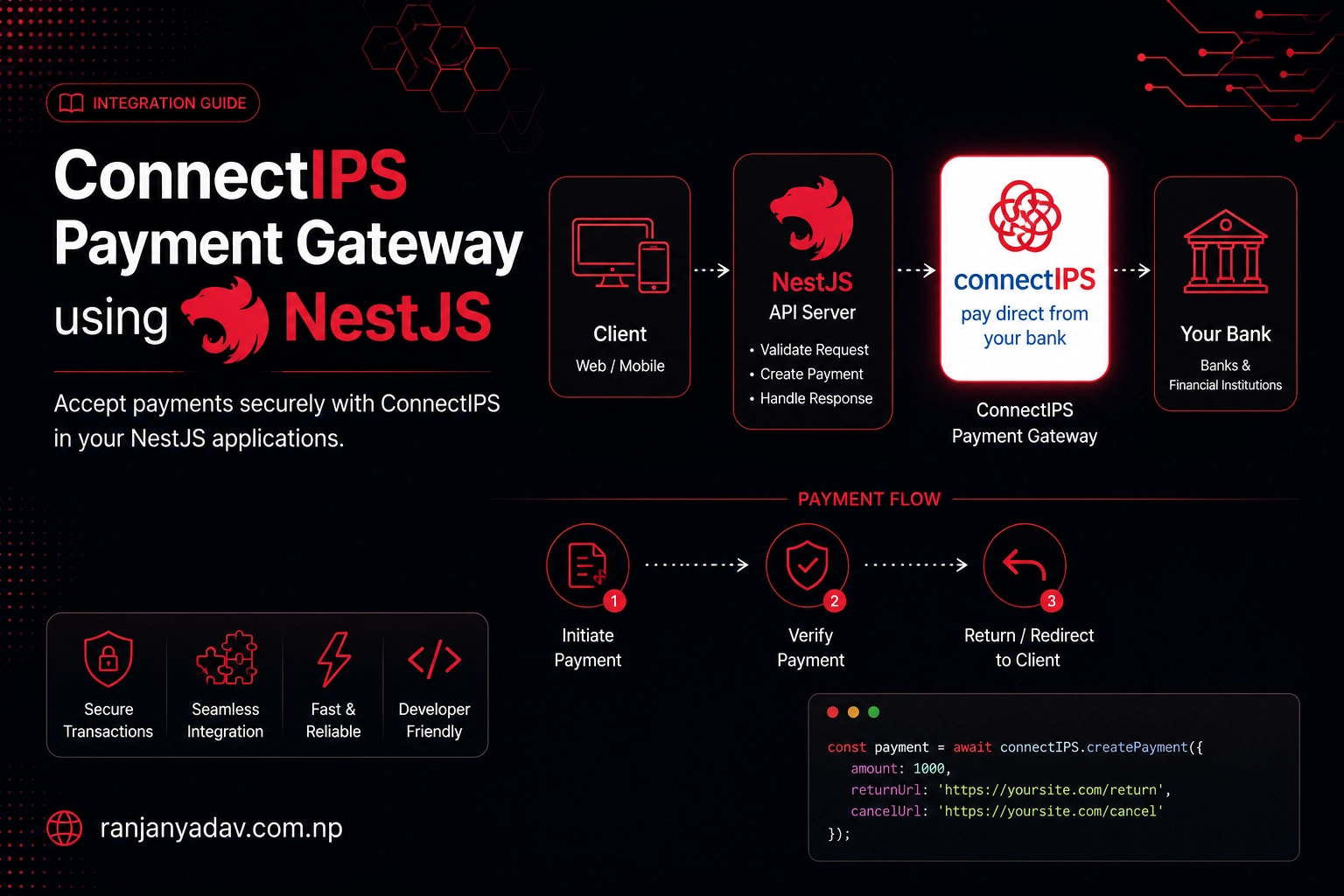
A production-grade guide to wiring ConnectIPS — NCHL's account-to-account payment rail for Nepal — into a NestJS (TypeScript) backend. SHA256withRSA token signing from a PKCS12 keystore, the redirect flow, server-to-server transaction validation, and the idempotency and amount checks most guides leave out.
ConnectIPS is the other half of taking money in Nepal. Where Fonepay is the QR-and-wallet network, ConnectIPS is the rail that debits a customer's bank account directly — and almost every Nepali checkout ends up supporting both. The integration is small, but it trips people up because it's nothing like an HMAC gateway: you sign a very specific string with an RSA private key from a .pfx keystore, get the field order or the amount unit slightly wrong, and the gateway rejects your token with no useful error.
This is the version I wish I'd had: idiomatic NestJS on Node 24, node:crypto only, the exact signed strings, and the production hardening — amount re-derivation, server-to-server validation, idempotent fulfilment — written down instead of assumed.
There's a companion guide — Integrating ConnectIPS with Go — that ports every step here to Go. Same signed strings, same field orders, same production rules.
ConnectIPS field sets and the production host vary by API version and by what NCHL provisions for your merchant. Every signed string and endpoint below is cross-checked against NCHL's official docs and multiple community SDKs (PHP, Go, Node) — but treat your onboarding packet as the source of truth and validate on UAT before going live.
What ConnectIPS actually is
ConnectIPS is run by NCHL (Nepal Clearing House) — the same outfit behind the country's interbank clearing. It lets a customer pay straight from a linked bank account (account-to-account / IBFT), and it's everywhere: utility bills, government payments, e-commerce checkouts. For a merchant it's a hosted redirect: you POST a signed form to ConnectIPS, the customer authenticates with their bank login, and you confirm the result with a server-side API call.
The defining trait — and the thing that makes it feel unlike Fonepay or eSewa — is that every request is signed with RSA, not a shared secret. NCHL gives you a PKCS12 keystore (CREDITOR.pfx) holding your private key; you sign with it, and ConnectIPS verifies with the matching public key it already has on file.
You don't self-serve credentials. You onboard through NCHL (directly or via a member bank), and they issue your Merchant ID, App ID (like MER-550-APP-1), App Name, a web-service password, and the CREDITOR.pfx keystore (with its own password). Your success and failure return URLs must be pre-registered with their integration team.
How the flow works
ConnectIPS is one flow with a server-side confirmation chaser:
- Build a signed form — RSA-sign a fixed field string, drop the signature into a
TOKENfield, and POST the form to the gateway. - Redirect — the customer lands on ConnectIPS, logs into their bank, and pays.
- Return — ConnectIPS sends the browser back to your success URL with
?TXNID=<your-txnid>appended. That redirect is not proof of payment. - Validate — your server calls the
validatetxnAPI (signed, Basic-authed) and only treats the order as paid when it returnsstatus: "SUCCESS".
| Value | |
|---|---|
| Gateway (redirect) | {base}/connectipswebgw/loginpage |
| Validation API | {base}/connectipswebws/api/creditor/validatetxn |
| UAT base | https://uat.connectips.com |
| Production base | https://www.connectips.com (confirm with NCHL) |
| Signing | SHA256withRSA, private key from .pfx, Base64 |
| Amount unit | paisa (rupees × 100) |
The signing primitive: SHA256withRSA
Everything ConnectIPS verifies is a Base64 SHA256withRSA signature over a comma-joined KEY=value string. Three rules decide whether it works:
- Field order is exact, the separator is a comma, and there are no spaces (the official doc shows stray spaces — ignore them; every working client omits them).
- The amount is in paisa, and the same value must appear in the signed string and in the form/JSON field. Mix rupees and paisa and the signature is "valid" but rejected.
- Sign the raw string, then Base64 the signature — never the other way around.
Node's crypto signs with RSA natively. The one wrinkle is the keystore: crypto can't read a .pfx directly, so convert it to a PEM private key once at deploy time and load that — which also keeps the signer dependency-free.
openssl pkcs12 -in CREDITOR.pfx -nocerts -nodes \
-passin pass:"$KEYSTORE_PASSWORD" -out creditor-key.pemimport { createPrivateKey, createSign, type KeyObject } from "node:crypto"
import { readFileSync } from "node:fs"
import { connectips } from "./config"
// Load the PEM private key once. The keystore password unlocked it during the
// openssl conversion above — it is NOT needed at runtime.
let cachedKey: KeyObject | undefined
function privateKey(): KeyObject {
cachedKey ??= createPrivateKey(readFileSync(connectips.keyPath))
return cachedKey
}
/** SHA256withRSA over `message`, Base64-encoded — a ConnectIPS TOKEN. */
export function signToken(message: string): string {
return createSign("RSA-SHA256")
.update(message, "utf8")
.sign(privateKey(), "base64")
}ConnectIPS hands you two secrets: the keystore password (unlocks the private key in CREDITOR.pfx) and the web-service password (HTTP Basic auth for validatetxn). They are different values used at different steps. Mixing them up is the most common reason validation returns 401.
Configuration
One typed config object from the environment. The keystore and password never touch git.
export const connectips = {
  baseUrl: process.env.CONNECTIPS_URL!, // https://uat.connectips.com
  merchantId: process.env.CONNECTIPS_MERCHANT_ID!, // e.g. 550
  appId: process.env.CONNECTIPS_APP_ID!, // e.g. MER-550-APP-1
  appName: process.env.CONNECTIPS_APP_NAME!,
  password: process.env.CONNECTIPS_PASSWORD!, // web-service password (Basic auth)
  keyPath: process.env.CONNECTIPS_KEY_PATH!, // path to creditor-key.pem
  successUrl: process.env.CONNECTIPS_SUCCESS_URL!, // pre-registered with NCHL
  failureUrl: process.env.CONNECTIPS_FAILURE_URL!,
} as constCONNECTIPS_URL=https://uat.connectips.com
CONNECTIPS_MERCHANT_ID=550
CONNECTIPS_APP_ID=MER-550-APP-1
CONNECTIPS_APP_NAME=YourApp
CONNECTIPS_PASSWORD=your_webservice_password
CONNECTIPS_KEY_PATH=./secrets/creditor-key.pem
CONNECTIPS_SUCCESS_URL=https://your-app.example.com/payments/connectips/return
CONNECTIPS_FAILURE_URL=https://your-app.example.com/payments/connectips/failedNode 24 reads .env natively — node --env-file=.env server.js.
Step 1: Build the signed payment form
The redirect TOKEN signs eleven fields in this exact order, ending with the literal TOKEN=TOKEN placeholder. TXNDATE is DD-MM-YYYY, TXNCRNCY is NPR, and most fields cap at 20 characters.
| Field | Meaning |
|---|---|
MERCHANTID | Your numeric merchant id |
APPID | Your app id, e.g. MER-550-APP-1 |
APPNAME | Your app name |
TXNID | Your unique transaction id (≤ 20 chars) |
TXNDATE | Origination date, DD-MM-YYYY |
TXNCRNCY | Currency — NPR |
TXNAMT | Amount in paisa |
REFERENCEID | Your reference/extra info |
REMARKS | Short remark |
PARTICULARS | Additional remark |
TOKEN | The Base64 signature |
import { connectips } from "./config"
import { signToken } from "./signing"

export type PaymentForm = {
  action: string
  fields: Record<string, string>
}

export function buildPaymentForm(input: {
  txnId: string // unique per attempt, ≤ 20 chars
  amountPaisa: number // rupees × 100, derived server-side
  referenceId: string
  remarks: string
  particulars: string
}): PaymentForm {
  const d = new Date()
  const txnDate = `${String(d.getDate()).padStart(2, "0")}-${String(
    d.getMonth() + 1
  ).padStart(2, "0")}-${d.getFullYear()}` // DD-MM-YYYY

  const fields: Record<string, string> = {
    MERCHANTID: connectips.merchantId,
    APPID: connectips.appId,
    APPNAME: connectips.appName,
    TXNID: input.txnId,
    TXNDATE: txnDate,
    TXNCRNCY: "NPR",
    TXNAMT: String(input.amountPaisa),
    REFERENCEID: input.referenceId,
    REMARKS: input.remarks,
    PARTICULARS: input.particulars,
  }

  // EXACT order, comma-joined, NO spaces, literal `TOKEN=TOKEN` suffix.
  const message =
    `MERCHANTID=${fields.MERCHANTID},APPID=${fields.APPID},APPNAME=${fields.APPNAME},` +
    `TXNID=${fields.TXNID},TXNDATE=${fields.TXNDATE},TXNCRNCY=${fields.TXNCRNCY},` +
    `TXNAMT=${fields.TXNAMT},REFERENCEID=${fields.REFERENCEID},REMARKS=${fields.REMARKS},` +
    `PARTICULARS=${fields.PARTICULARS},TOKEN=TOKEN`

  return {
    action: `${connectips.baseUrl}/connectipswebgw/loginpage`,
    fields: { ...fields, TOKEN: signToken(message) },
  }
}
ConnectIPS expects a form POST, not a GET redirect, so the cleanest handoff is a tiny auto-submitting HTML form your server returns:
import type { PaymentForm } from "./payment"

const escape = (s: string) =>
  s.replace(/[&<>"']/g, (c) => `&#${c.charCodeAt(0)};`)

/** A self-submitting form that bounces the browser to ConnectIPS. */
export function renderAutoSubmitForm(form: PaymentForm): string {
  const inputs = Object.entries(form.fields)
    .map(([k, v]) => `<input type="hidden" name="${k}" value="${escape(v)}">`)
    .join("")

  return `<!doctype html><html><body onload="document.forms[0].submit()">
<form method="POST" action="${form.action}">${inputs}</form>
</body></html>`
}
Step 2: Handle the return, then validate server-to-server
ConnectIPS redirects back to your success URL with ?TXNID=<txnid> — and nothing else trustworthy. The truth comes from validatetxn: a JSON POST, HTTP Basic auth (App ID as the username, the web-service password), with its own RSA token signing four fields.
Two gotchas the docs bury:
- The validation token signs
MERCHANTID,APPID,REFERENCEID,TXNAMT(uppercase keys) — but the JSON body uses camelCase (merchantId,appId, …). - The
referenceIdyou send here is the originalTXNID, not the originalREFERENCEID. Yes, really.
import { connectips } from "./config"
import { signToken } from "./signing"

export type Validation = {
  status: string // "SUCCESS" when paid
  statusDesc: string
  txnAmt: string // echoed back as a string
}

export async function validateTxn(input: {
  txnId: string // the TXNID you sent (goes in `referenceId`)
  amountPaisa: number // your EXPECTED amount, from your DB
}): Promise<Validation> {
  // 4-field token, UPPERCASE keys, no `TOKEN=TOKEN` suffix.
  const token = signToken(
    `MERCHANTID=${connectips.merchantId},APPID=${connectips.appId},` +
      `REFERENCEID=${input.txnId},TXNAMT=${input.amountPaisa}`
  )

  const auth = Buffer.from(
    `${connectips.appId}:${connectips.password}`
  ).toString("base64")

  const res = await fetch(
    `${connectips.baseUrl}/connectipswebws/api/creditor/validatetxn`,
    {
      method: "POST",
      headers: {
        "Content-Type": "application/json",
        Authorization: `Basic ${auth}`,
      },
      // camelCase body. `referenceId` is the original TXNID.
      body: JSON.stringify({
        merchantId: Number(connectips.merchantId),
        appId: connectips.appId,
        referenceId: input.txnId,
        txnAmt: input.amountPaisa,
        token,
      }),
      signal: AbortSignal.timeout(30_000),
    }
  )

  // fetch does NOT reject on 4xx/5xx — check it yourself.
  if (!res.ok) throw new Error(`validatetxn failed: HTTP ${res.status}`)
  return (await res.json()) as Validation
}
A successful response looks like this (note txnAmt comes back as a string, and statusDesc really is misspelled):
{
  "merchantId": 550,
  "appId": "MER-550-APP-1",
  "referenceId": "txn-123",
  "txnAmt": "500",
  "token": null,
  "status": "SUCCESS",
  "statusDesc": "TRANSACTION SUCESSFULL"
}
Wiring it into NestJS
A thin controller over the helpers, with OrdersService injected. The amount is never read from the request at validation time — it comes from your database.
import {
  Controller,
  Get,
  Header,
  Param,
  Post,
  Query,
  Redirect,
} from "@nestjs/common"

import { renderAutoSubmitForm } from "./connectips/auto-submit"
import { buildPaymentForm } from "./connectips/payment"
import { OrdersService } from "./orders/orders.service"
import { settlePayment } from "./payments/settle" // see "Getting it right in production"

@Controller("payments/connectips")
export class PaymentsController {
  constructor(private readonly orders: OrdersService) {}

  // Start a payment — returns an auto-submitting form that bounces to ConnectIPS.
  @Post(":orderId")
  @Header("Content-Type", "text/html")
  async start(@Param("orderId") orderId: string) {
    const order = await this.orders.findByIdOrThrow(orderId)
    const form = buildPaymentForm({
      txnId: order.txnId,
      amountPaisa: order.expectedAmountPaisa, // from the DB, not the request
      referenceId: order.id,
      remarks: `Order ${order.id}`,
      particulars: "Checkout",
    })
    return renderAutoSubmitForm(form)
  }

  // ConnectIPS redirects the customer back here with ?TXNID=...
  @Get("return")
  @Redirect()
  async onReturn(@Query("TXNID") txnId: string) {
    const status = await settlePayment(txnId)
    const base = process.env.CLIENT_URL
    return {
      url:
        status === "PAID"
          ? `${base}/payment/success`
          : `${base}/payment/failed`,
    }
  }
}
Register it in a module:
import { Module } from "@nestjs/common"

import { OrdersService } from "./orders/orders.service"
import { PaymentsController } from "./payments.controller"

@Module({
  controllers: [PaymentsController],
  providers: [OrdersService],
})
export class PaymentsModule {}
Getting it right in production
This is the part the copy-paste tutorials skip, and it's the only part that protects your revenue.
Never trust the client's amount — and keep paisa consistent
The browser can change any number you send it, so derive the amount server-side from your own data, store it as paisa, and reuse that exact value everywhere: in the signed token, in TXNAMT, and in the validatetxn call. The single most common ConnectIPS bug is signing rupees in one place and sending paisa in another.
import { randomBytes } from "node:crypto"

export async function createPayment(orderId: string) {
  const order = await db.orders.findByIdOrThrow(orderId)

  // Re-price from line items in YOUR database; ignore any client total.
  const rupees = order.lineItems.reduce(
    (sum, li) => sum + li.unitPrice * li.qty,
    0
  )
  const expectedAmountPaisa = Math.round(rupees * 100) // paisa, integer

  const txnId = `T${Date.now()}${randomBytes(3).toString("hex")}`.slice(0, 20)
  await db.orders.update(orderId, {
    txnId,
    expectedAmountPaisa, // persisted source of truth
    status: "PENDING",
  })

  return { txnId, expectedAmountPaisa }
}
Fulfil exactly once
ConnectIPS can land on your return URL more than once, and the customer can refresh it. Drive a PENDING → PAID/FAILED state machine and gate fulfilment behind one atomic transition so only the first caller wins. The validatetxn call — never the redirect — is the source of truth.
import { validateTxn } from "../connectips/validate"

export async function settlePayment(
  txnId: string
): Promise<"PAID" | "FAILED" | "PENDING"> {
  const order = await db.orders.findByTxnIdOrThrow(txnId)
  if (order.status !== "PENDING") return order.status // refresh / retry safe

  const v = await validateTxn({ txnId, amountPaisa: order.expectedAmountPaisa })

  if (v.status !== "SUCCESS") {
    await db.orders.updateWhere(
      { id: order.id, status: "PENDING" },
      { status: "FAILED" }
    )
    return "FAILED"
  }

  // Re-check the validated amount against what we stored (reject under/overpay).
  if (Number(v.txnAmt) !== order.expectedAmountPaisa) {
    throw new Error(
      `Amount mismatch: got ${v.txnAmt}, expected ${order.expectedAmountPaisa}`
    )
  }

  // Atomic: only the first caller flips PENDING -> PAID and fulfils.
  const flipped = await db.orders.updateWhere(
    { id: order.id, status: "PENDING" },
    { status: "PAID" }
  )
  if (flipped.rowCount === 1) await fulfilOrder(order.id) // runs once, ever

  return "PAID"
}
The rest of the checklist
- Guard the keystore. Never commit
CREDITOR.pfxorcreditor-key.pem; mount them as secrets with locked-down file permissions. The PEM holds your signing key — leaking it lets anyone forge your tokens. - Reconcile stragglers. If a customer pays but your return never fires, the order sits
PENDING. A cron that re-runsvalidatetxn(orgettxndetail) on pending orders recovers real, paid transactions. fetchdoesn't throw on 4xx/5xx — checkres.ok(the helper does) and useAbortSignal.timeout().- Register both return URLs (success and failure) with NCHL — unregistered URLs are rejected.
Testing in UAT
Point CONNECTIPS_URL at https://uat.connectips.com and use the test bundle NCHL provides — CREDITOR.pfx plus a Merchant ID, App ID, App Name, and web-service password. Convert the .pfx to PEM with the openssl command above, register your success/failure URLs with their integration team, and run a full redirect → return → validatetxn round-trip before switching to the production host.
Troubleshooting
Almost every ConnectIPS bug is the token or the amount. When the gateway rejects you, check, in order:
- Field order and spacing. The redirect token is the 11 fields in the exact order above, comma-joined, no spaces, ending with the literal
TOKEN=TOKEN. The validation token is the 4 fieldsMERCHANTID,APPID,REFERENCEID,TXNAMT. - Paisa everywhere. Sign and send the same integer paisa value. Rs 5.00 is
500, never5. - Date format.
TXNDATEisDD-MM-YYYY. June 22nd is22-06-2026. referenceId= the originalTXNIDin thevalidatetxnbody, not yourREFERENCEID.401on validatetxn → you used the keystore password (or wrong App ID) instead of the web-service password for Basic auth.- Sign-then-encode. Hash and sign the raw string, then Base64 the signature. Signing an already-encoded string fails silently.
Conclusion
ConnectIPS looks intimidating because of the keystore, but the shape is simple: sign a fixed string with your RSA key, POST a form, and confirm with one server-side call. What separates a demo from something you'd put real money through is everything around that core — deriving amounts as paisa from your own database, treating validatetxn as the only authority, making fulfilment idempotent, and guarding the private key like the credential it is.
Get the signed strings byte-exact, keep the two passwords straight, verify server-side, and ConnectIPS becomes the dependable bank-account half of your checkout.
Running a Go backend? The same integration, ported to Go, lives in Integrating ConnectIPS with Go.
ConnectIPS contracts differ by API version and acquiring bank. Use this as the map, not the territory — always diff it against the spec and credentials NCHL gives you, and validate on UAT before you ship.